Welcome to the CIT Staff Dashboard

On this page, you will find a form for submitting news to the K’wen Weekly and K’wen Newsletter as well as a form for submitting update requests for MyTribe. You can also now see your previous submissions. Please feel free to reach out any time.

Ensure that you’re logged in with your staff account. 

*We suggest that you watch in “full screen” mode by clicking the square symbol in the lower right corner of the video after clicking play. You can get back by clicking the box again.


*Resolution may take a moment to get clear depending on internet connection.

Chapter Markers

Start Here With Your Staff Account 00:13
Accessing the Staff Dashboard 00:31
Walkthrough of Each Option 01:52
Accessing the Staff Dashboard 00:31

General Overview of Options

  • News 01:58
  • Events 03:31
  • MyTribe Updates 05:00
  • Post Schedule 05:43
  • Previous Submissions 06:19

Submitting News 07:48
Submitting Events 08:53
MyTribe Updates 10:10
K’wen Weekly Schedule 11:20
Previous Submissions 12:35

What Would You Like to Do Today?

Share News

*Using best practices, news will most likely not run multiple times in a row. The goal is to have it noticed as much as possible. We do not want it to become “white noise” that Membership isn’t paying attention to. If it needs to run multiple times, please submit it as early as possible allowing us time to schedule appropriately.

Once you have submitted AND received approval from creative@coquilletribe.org for any associated flyers, pamphlets, advertising (print, radio, digital), social media posts, signage, postcards, and any materials representing the Tribe (including those where the Tribe is listed as a sponsor), please use this form to submit entries for the K'wen Weekly, urgent K'wen Alerts, and the monthly K'wen Newsletter.

K'wen News Contribution

What's the best email to contact you? In case we have questions.
What is this news about? What's the invitation? What action do you want the reader to do?
Include the details here, not just in an attached flyer. This allows for members to search for information.
*Using best practices, news will most likely not run multiples times in a row. The goal is to have it noticed as much as possible. We do not want it to become “white noise” that Membership isn’t paying attention to. If it needs to run multiple times, please submit it as early as possible allowing time to schedule appropriately.
Timing and frequency will be determined by various factors including best practices to ensure that as many members as possible see this as often as possible. It will not be every week. To ensure the most visibility please submit information 4-6 weeks ahead of deadlines. K'wen alerts are to command immediate attention (rarely for an event or news).

Files

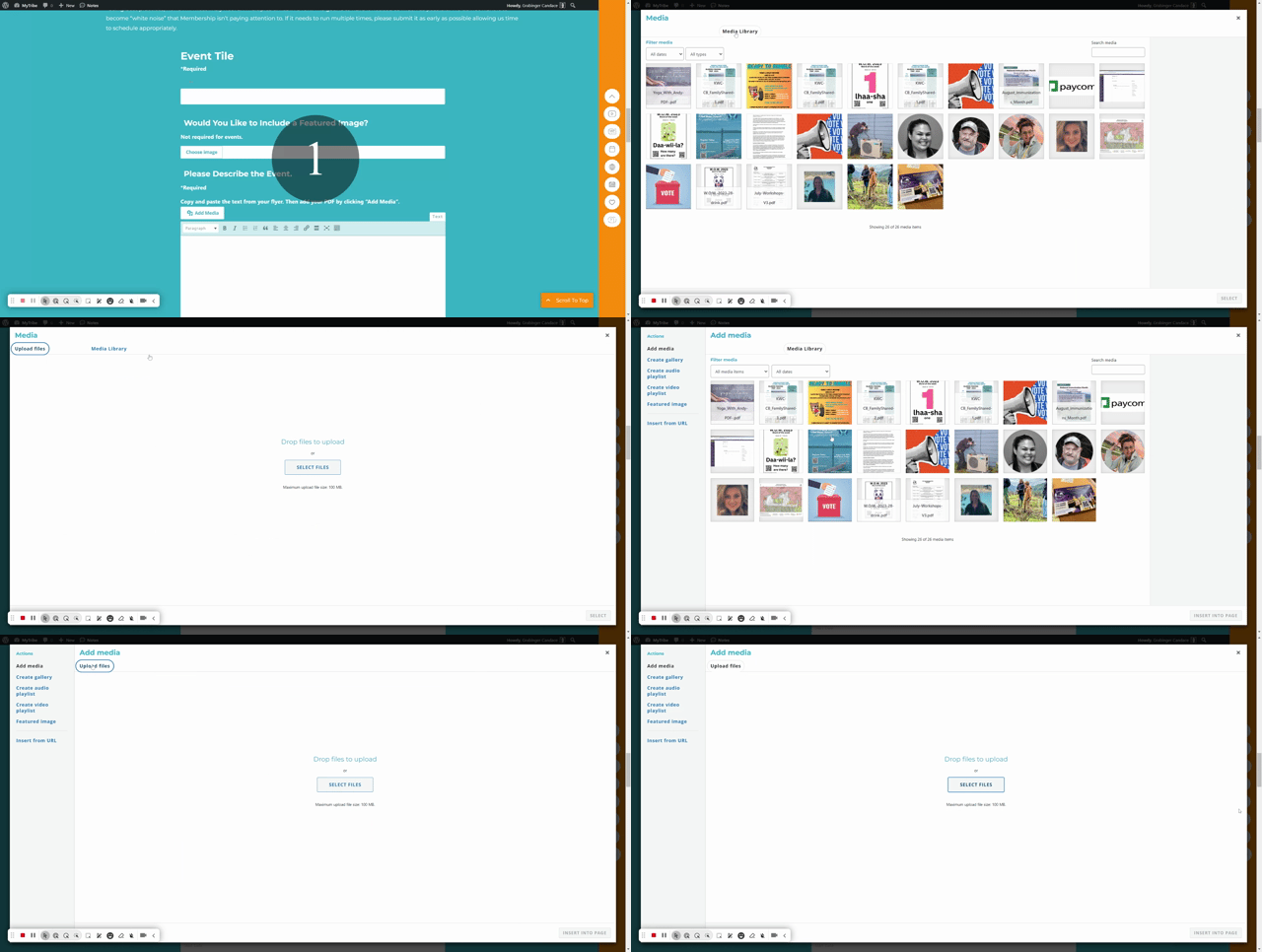
Drag & Drop Files, Choose Files to Upload
YES THIS IS NEEDED. Please look at the homepage for reference as to why. Once reviewed, this news will be shared in multiple places within MyTribe and an image is central. This image will be the "cover" image, the main image. It should be large and an image that you have the usage rights for. Do not just grab it from Google. It will likely be cropped to top center.

Important: Do not upload the exact same file for supporting images. (An image file flyer for featured image and a PDF of the same flyer does not count; they are seperate files.) Uploading the same file twice takes up media storage on the site.

Drag & Drop Files, Choose Files to Upload You can upload up to 4 files.
You can add a total of 4 files here.

Did you upload a document?

Share an Event

REPEATING EVENTS:

Enter the date and time for the first day only. Then click the check box for “Event Repeating”. From there you can select additional days.

*Using best practices, news will most likely not run multiples times in a row. The goal is to have it noticed as much as possible. We do not want it to become “white noise” that Membership isn’t paying attention to. If it needs to run multiple times, please submit it as early as possible allowing us time to schedule appropriately.

Please Login/Register in order to submit new events.

MyTribe Updates

MyTribe Update Request Form

If your department has program or staff changes, or if any other aspect of a page needs updating, please fill out this form. The communications team make the changes as soon as possible.
If more than one type applies, select the most relevant and explain in Details field below.
What details are needed?

Scheduled News

Approximate Upcoming K'wen Email Post Schedule:

These are just the next dates that an article will run, not the total run. The list will be updated after each K’wen Weekly is sent out. (calendar entries will sync every 8 hours)

You're Invited Too! - Recently Added Events

January 2026

SU
MO
TU
WE
TH
FR
SA
28
29
30
31
1
2
3
4
5
6
7
8
9
10
11
12
13
14
15
16
17
18
19
20
21
22
23
24
25
26
27
28
29
30
31
Events for December

29

Events for December

31

Events for January

1

No Events
Events for January

2

No Events
Events for January

3

No Events
Events for January

4

No Events
Events for January

5

Events for January

6

Events for January

7

Events for January

8

No Events
Events for January

9

Events for January

10

No Events
Events for January

11

No Events
Events for January

12

Events for January

13

Events for January

14

Events for January

15

Events for January

16

Events for January

17

No Events
Events for January

18

No Events
Events for January

19

Events for January

20

Events for January

21

Events for January

22

Events for January

23

Events for January

24

No Events
Events for January

25

No Events
Events for January

26

Events for January

27

No Events
Events for January

28

Events for January

29

No Events
Events for January

30

Events for January

31

No Events

New Creative Approval Process

(New Brand Kit files added December 29, 2025)

Who Can Help

Picture of Jean Flintsmith

Jean Flintsmith

Phone: (458) 455-6017
Email: JeanFlintsmith@coquilletribe.org

Picture of Tim Novotny

Tim Novotny

Phone: (541) 751-7491
Email: TimNovotny@coquilletribe.org

Scroll to Top